Making design that saves lives
Impact
Patient prep
20%
increased speed
Time with patient
90%
Increased
Patient satisfaction
39%
Increased
Patient experience
62%
Positive response
What is the problem at hand, user need and business goal?
Existing scanning workflow
Rolling out on tablet devices
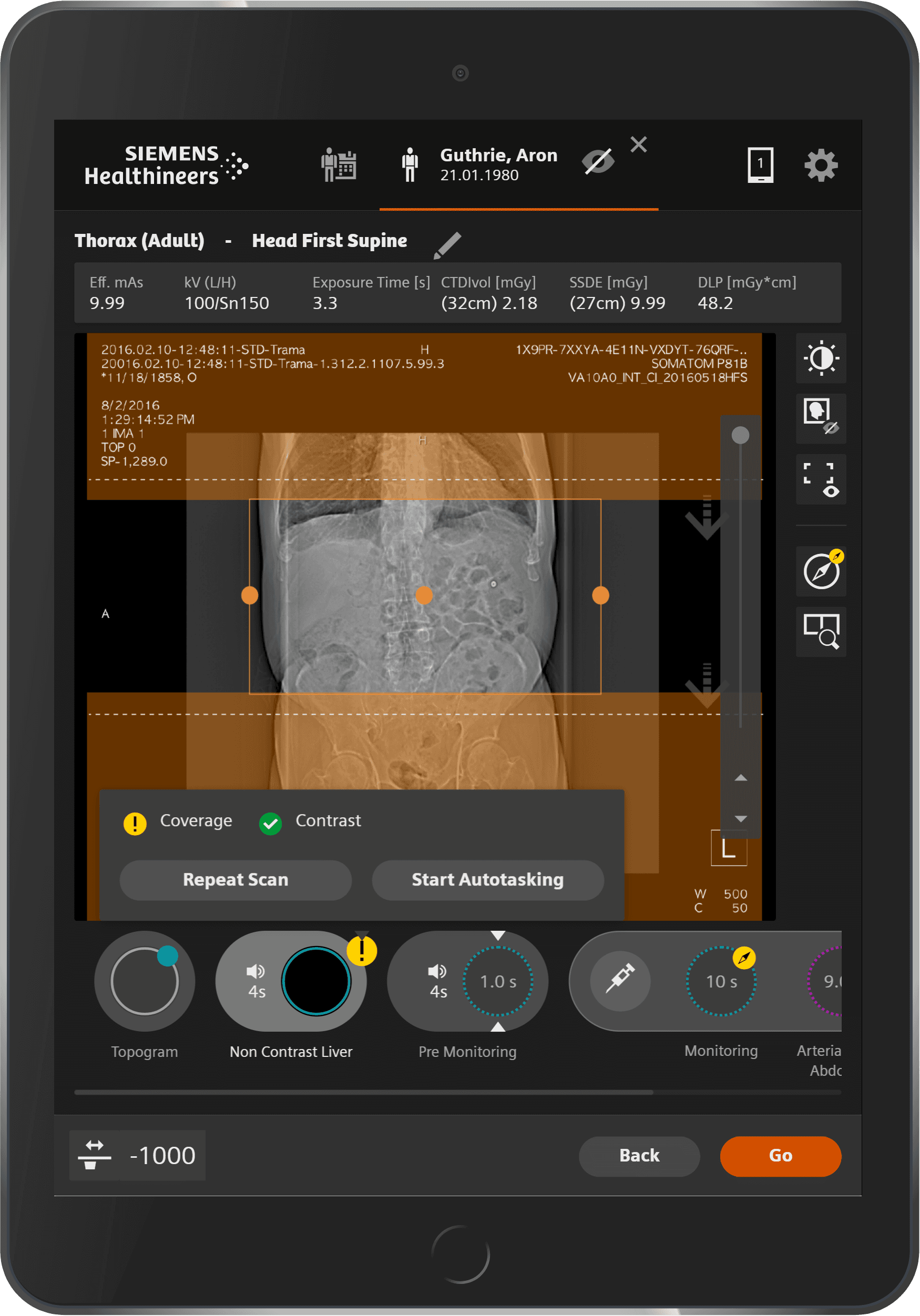
In order to increase the time spent with the patients, the workflow was decided to be transported onto tablet devices.
The earlier workflow involved the radiologist to travel back and forth to the scanner and the station for patient positioning and protocol selection.
Adjoining is the existing workflow, the following were my contributions in design and Front-End code:
Introducing more scan protocol selection
Editing protocol
Introducing table movement saving functionality
Contrast medium / dose parameter matrix
In addition to the above, a new portable scanner was also launched which did not have a tethered desktop software coupled. Thus, my responsibility here involved features specific to this scanner such as;
Drive modes
Screen locking
Battery and charging cycles, network and connectivity
User management
Why would a design intervention be meaningful in problem solving?
Proposed UX Flow change
A central change proposed was to move away from the linear workflow and group the flows based on the frequency of usage.
There is also automation, such as patient identification, auto protocol configuration and set up, expected.
The proposal considers 'Ready State' to be the default landing state, with pre-selection of Patient details such as protocol, orientation, etc. and the user can navigate from this 'Ready State' to Topogram, pre-monitoring , etc. and back.
How does it look and feel to the users?

Proposal for iPadOS
For diagnostic imaging quality, an experiment was setup to port the scanning workflow into native iPadOS UX.
I was leading to bring the scanning workflow under the Apple Design Guidelines, such as progressive disclosure, and so on.
I also proposed an entire change in the UX workflow as follows: